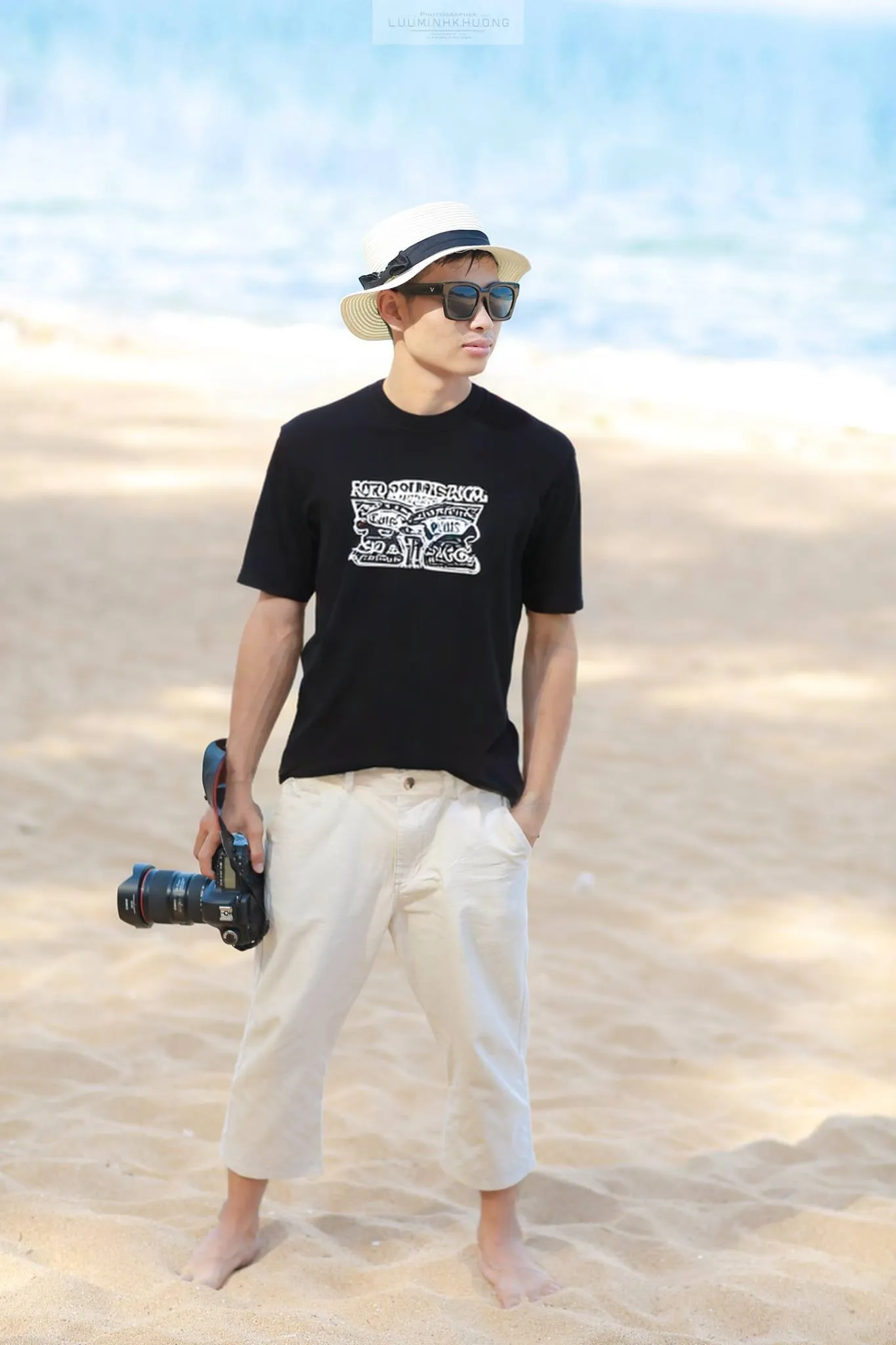
virtual-tryon-clothesCreate an asynchronous virtual try-on task. Upload a model (person) image and one or two clothing images to generate the try-on result.
This API supports either:
upper, lower, or fullupper and lower)Poll the GET endpoint with the returned task_id to retrieve results.
/v1/images/try-onCredit cost: 17
Authorization — This endpoint requires an API key. Pass it in the api-key header on every request. See the quickstart
| Name | Type | Status | Description |
|---|---|---|---|
model_image | file | Required | Model/person image file or URL. |
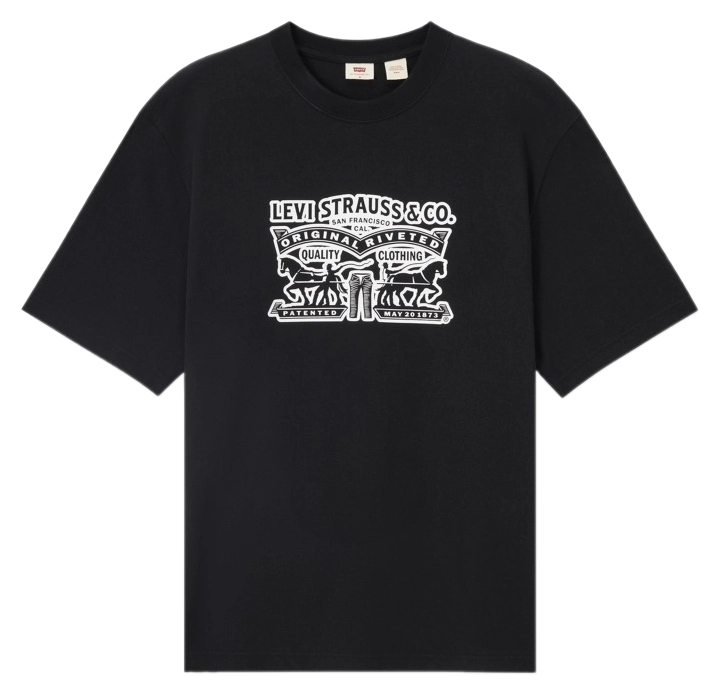
cloth_image | file | Required | Clothing image file or URL. |
lower_cloth_image | file | Optional | Lower clothing image file or URL. |
cloth_type | string | Required | Clothing type. |
Try-on task created successfullyTaskCreatedResponse
| Name | Type | Description |
|---|---|---|
task_id | string | Unique task identifier. Poll GET /v1/tasks/{task_id} for results. |
status | string | |
created_at | integer | Unix timestamp of task creation |
curl -X POST "https://api.snapapi.ai/v1/images/try-on" \
  -H "api-key: YOUR_API_KEY" \
  -F "model_image=@./image.jpg" \
  -F "cloth_image=@./image.jpg" \
  -F "lower_cloth_image=@./image.jpg" \
-F "cloth_type=value"{
"task_id": "task_abc123",
"status": "CREATED",
"created_at": 1745827200
}Input

Output