general-edit-multi-of-qwen-image-editEdit based on multiple images (up to 3) using natural language prompts powered by the Qwen-Image-Edit model. Supports multiple editing modes:
| Mode | Description | Example |
|---|---|---|
| editing | General editing prompt | Put the man and the dog in a stadium |
/v1/images/edits/multiCredit cost: 26
Authorization — This endpoint requires an API key. Pass it in the api-key header on every request. See the quickstart
| Name | Type | Status | Description |
|---|---|---|---|
input_image_0 | file | Required | First input image file or URL. |
input_image_1 | file | Optional | Second input image file or URL. |
input_image_2 | file | Optional | Third input image file or URL. |
prompt | string | Required | Natural language editing instruction. |
mode | string | Required | Editing mode. editing |
Image edited successfullySingleImageResponse
| Name | Type | Description |
|---|---|---|
created | integer | Unix timestamp of when the response was created |
data | object[] | |
url | string | URL to download the result image |
curl -X POST "https://api.snapapi.ai/v1/images/edits/multi" \
  -H "api-key: YOUR_API_KEY" \
  -F "input_image_0=@./image.jpg" \
  -F "input_image_1=@./image.jpg" \
  -F "input_image_2=@./image.jpg" \
  -F "prompt=value" \
-F "mode=editing"{
"created": 1745827200,
"data": [
{
"url": "https://outputs.snapapi.ai/outputs/abc123.png"
}
]
}Prompt
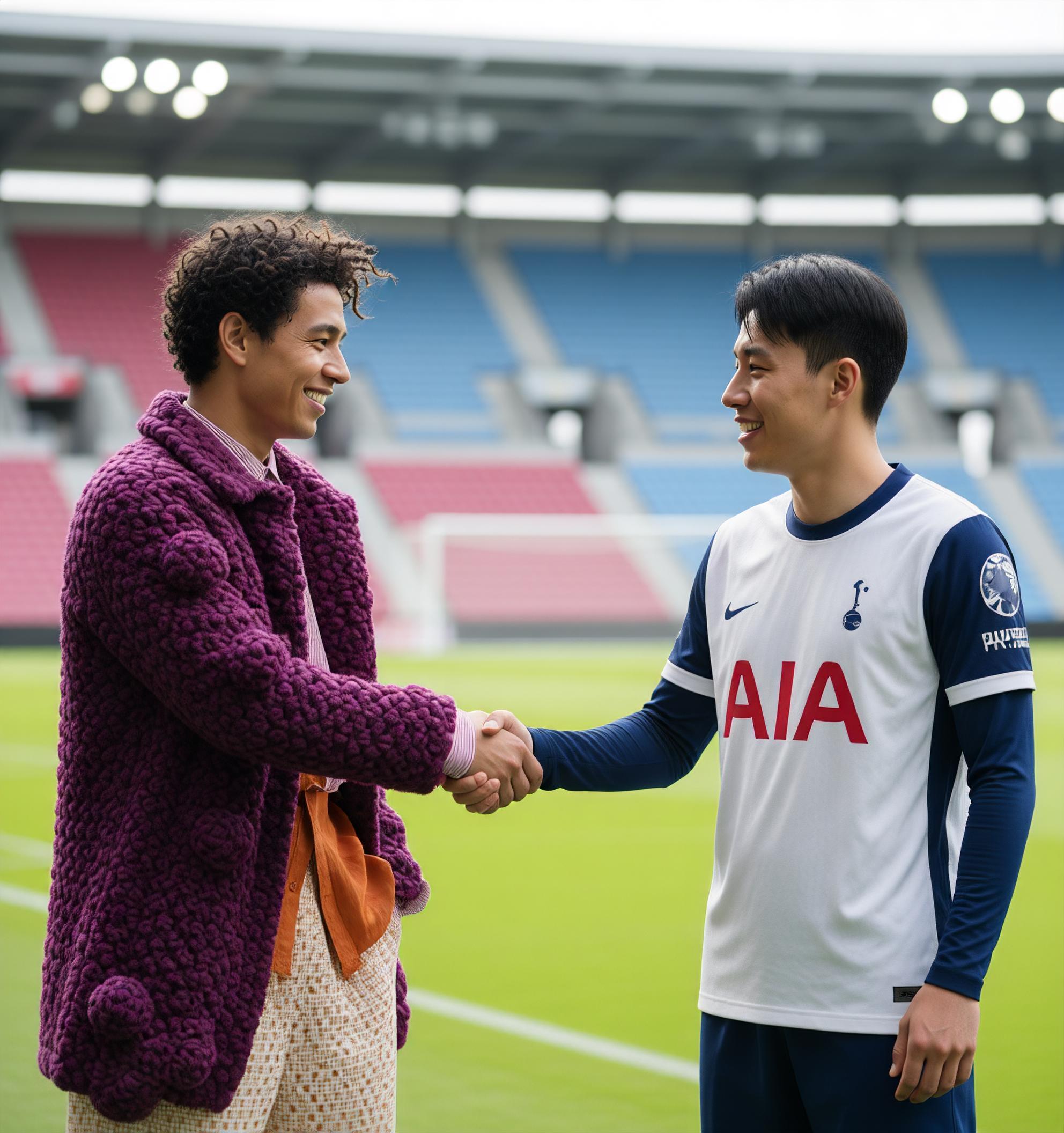
“Two people are shaking hands.”
Input
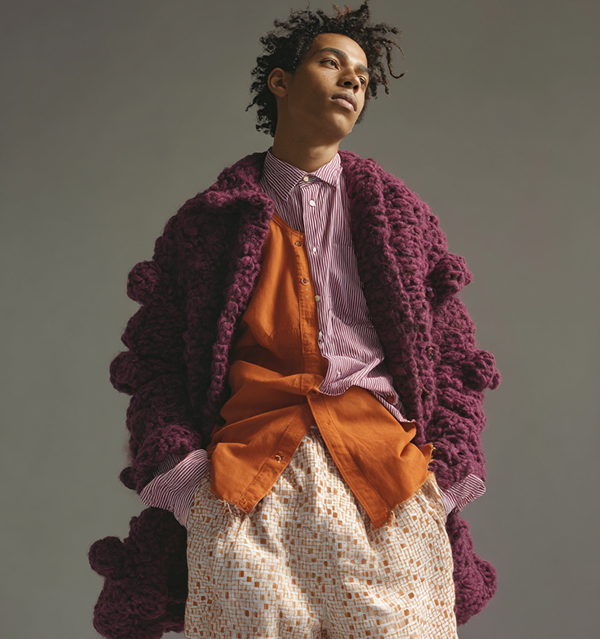
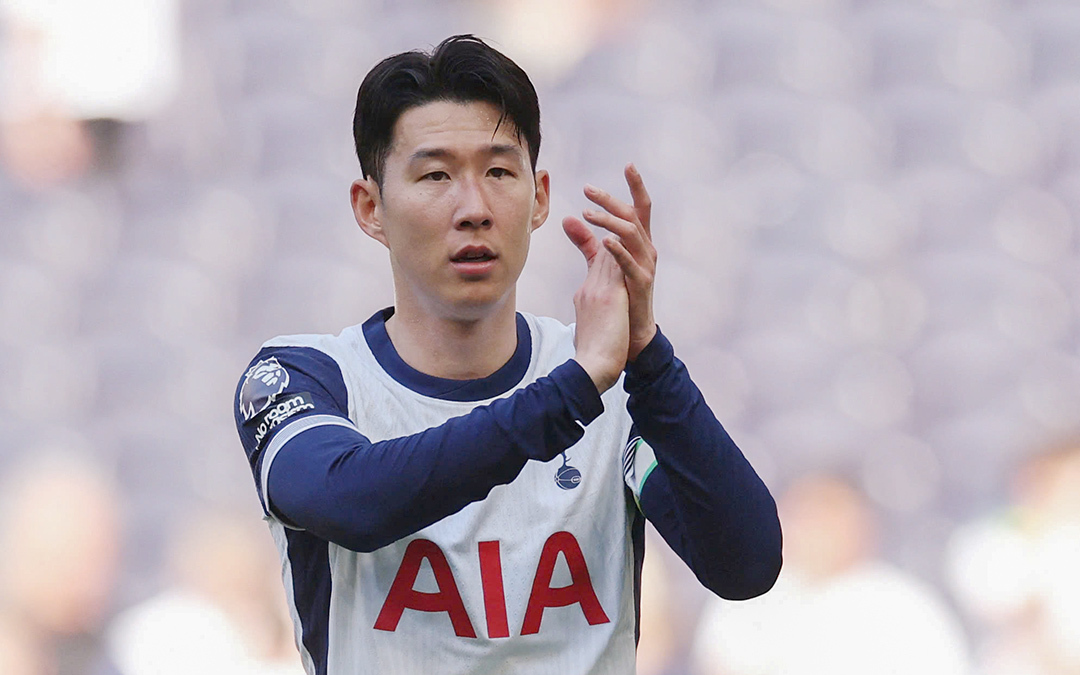
Output